SOS techniques
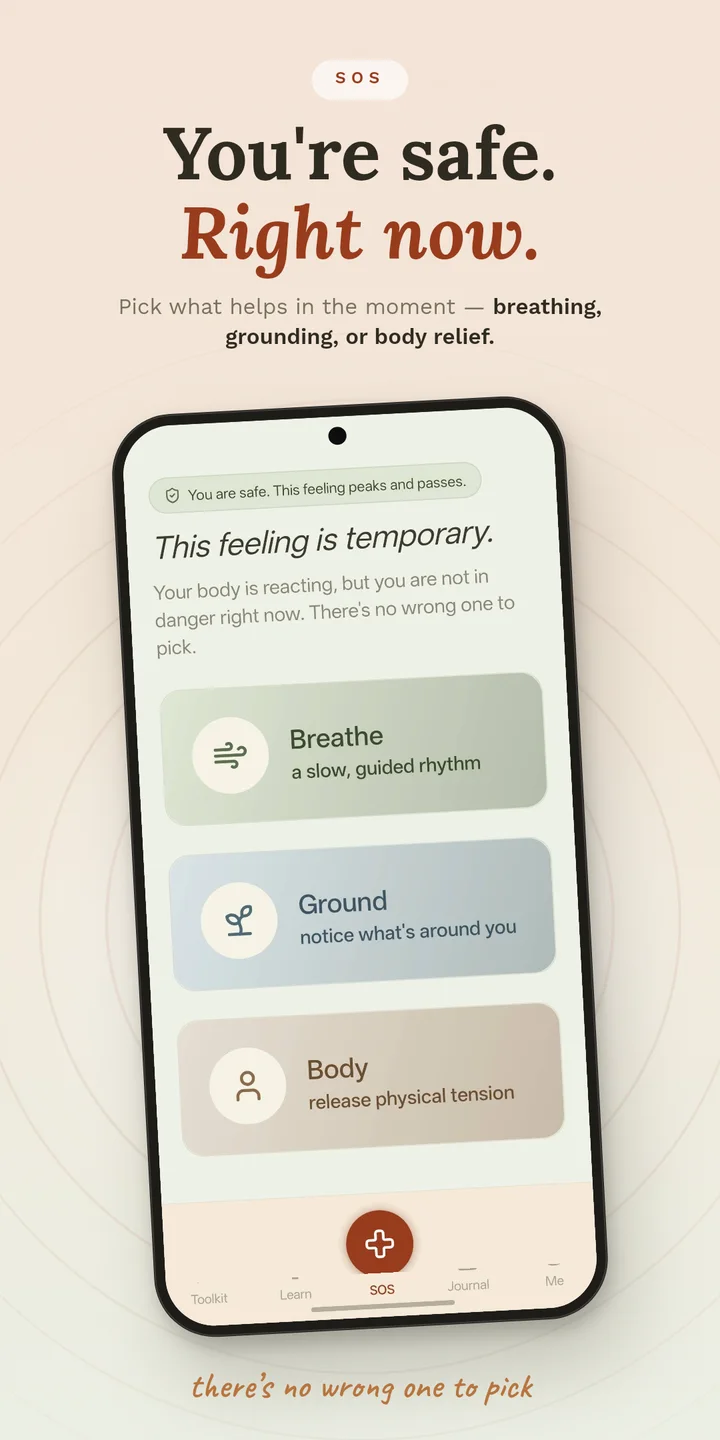
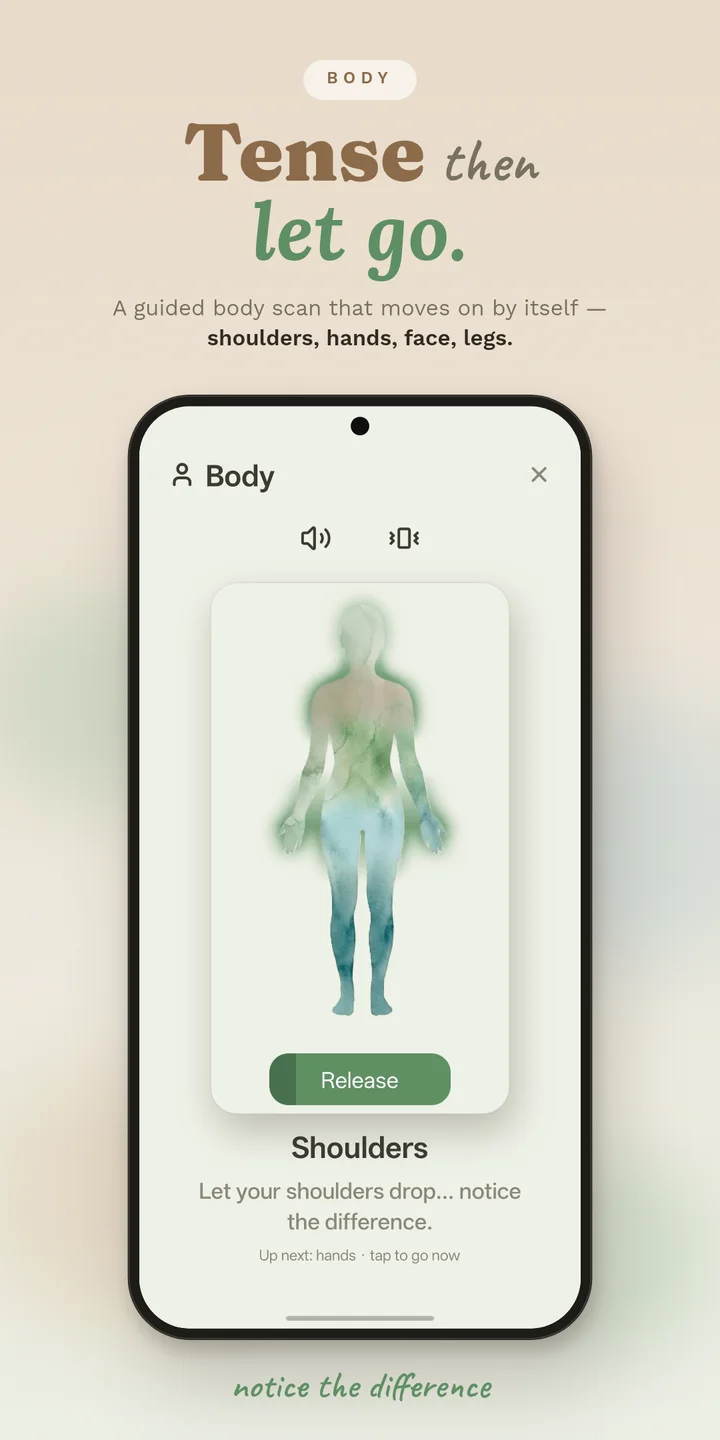
Breathing, sensory grounding, or a guided tense-and-release body track: choose once at the start, then it runs itself. A quiet "This has passed" exit and a "Call someone" button are on every session screen, always.
 Panicea
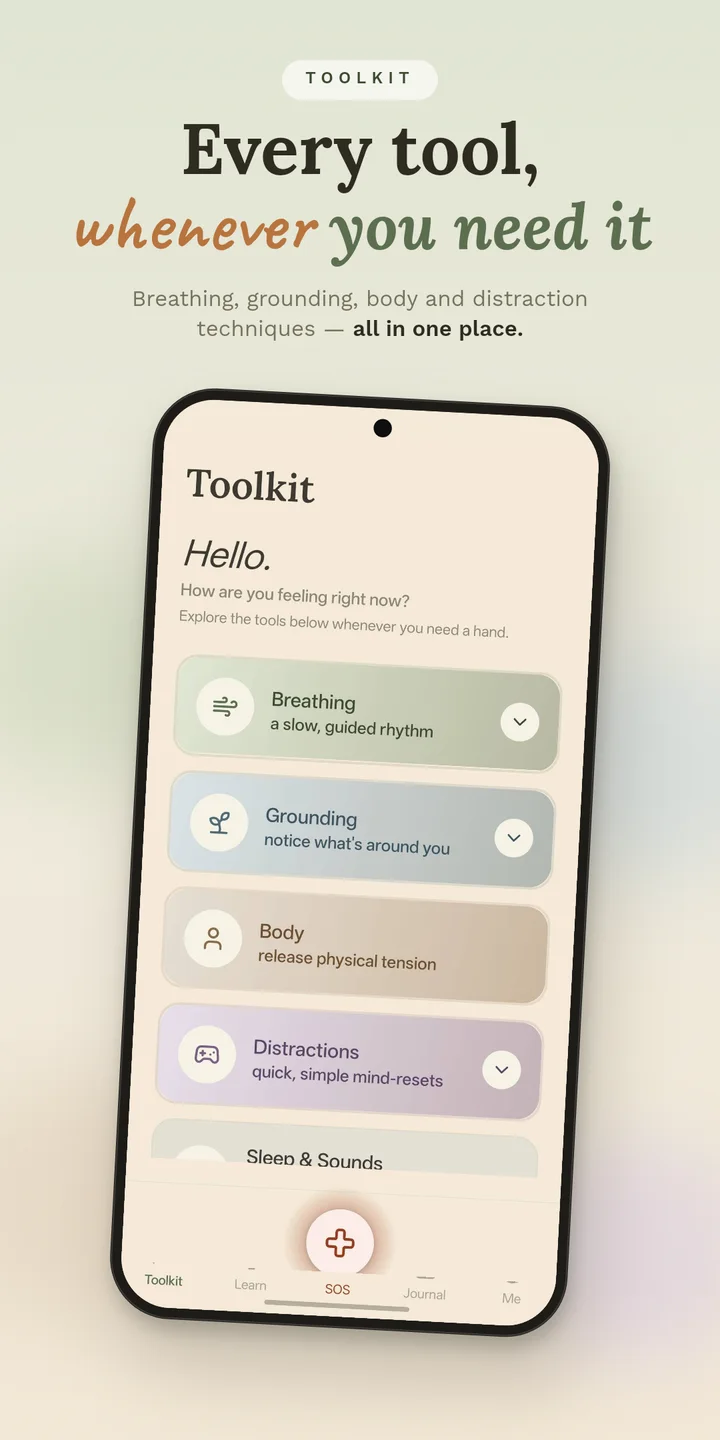
One tap gets you a breathing, grounding, or body-based technique, and you'll never see an upgrade prompt while it's happening. Guided, offline, no account, no signal required. No choosing between five options while your hands are shaking.
Free, permanently. See how →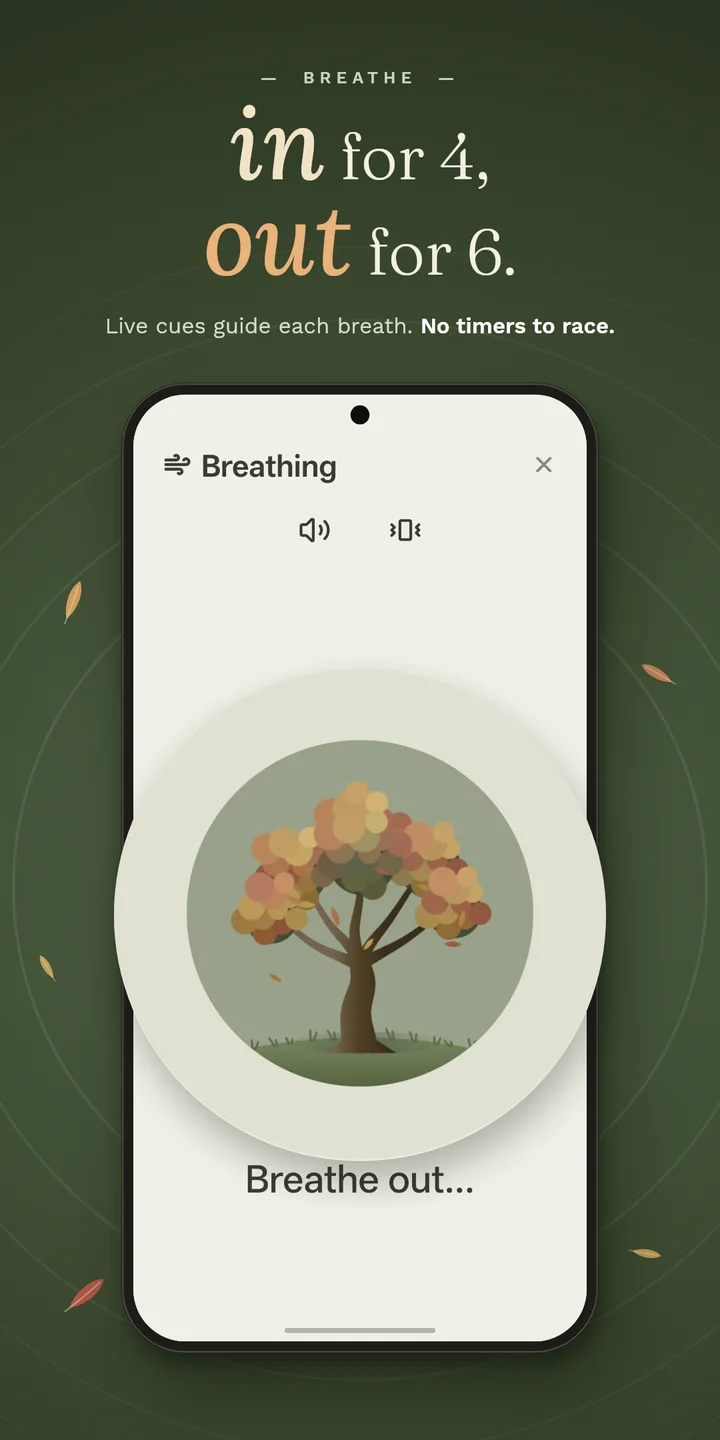
What it does
Breathing, sensory grounding, or a guided tense-and-release body track: choose once at the start, then it runs itself. A quiet "This has passed" exit and a "Call someone" button are on every session screen, always.
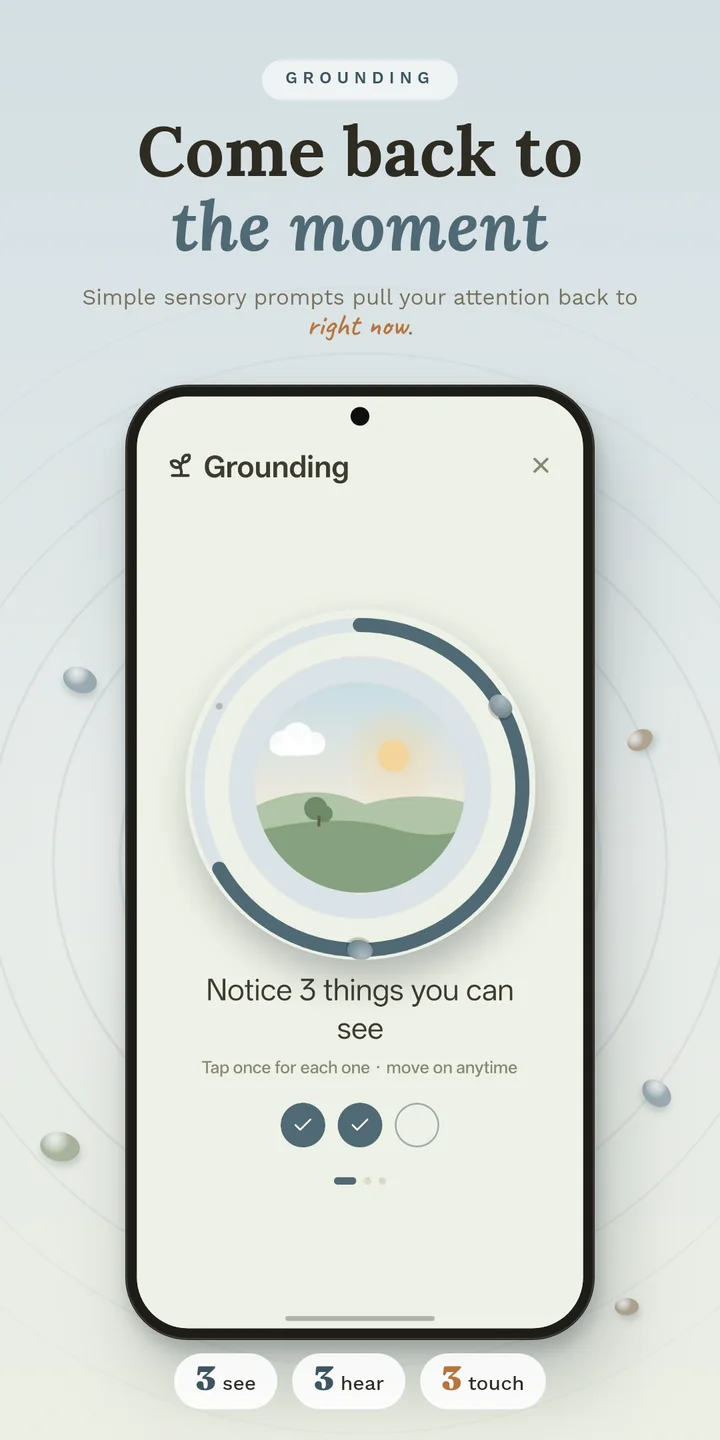
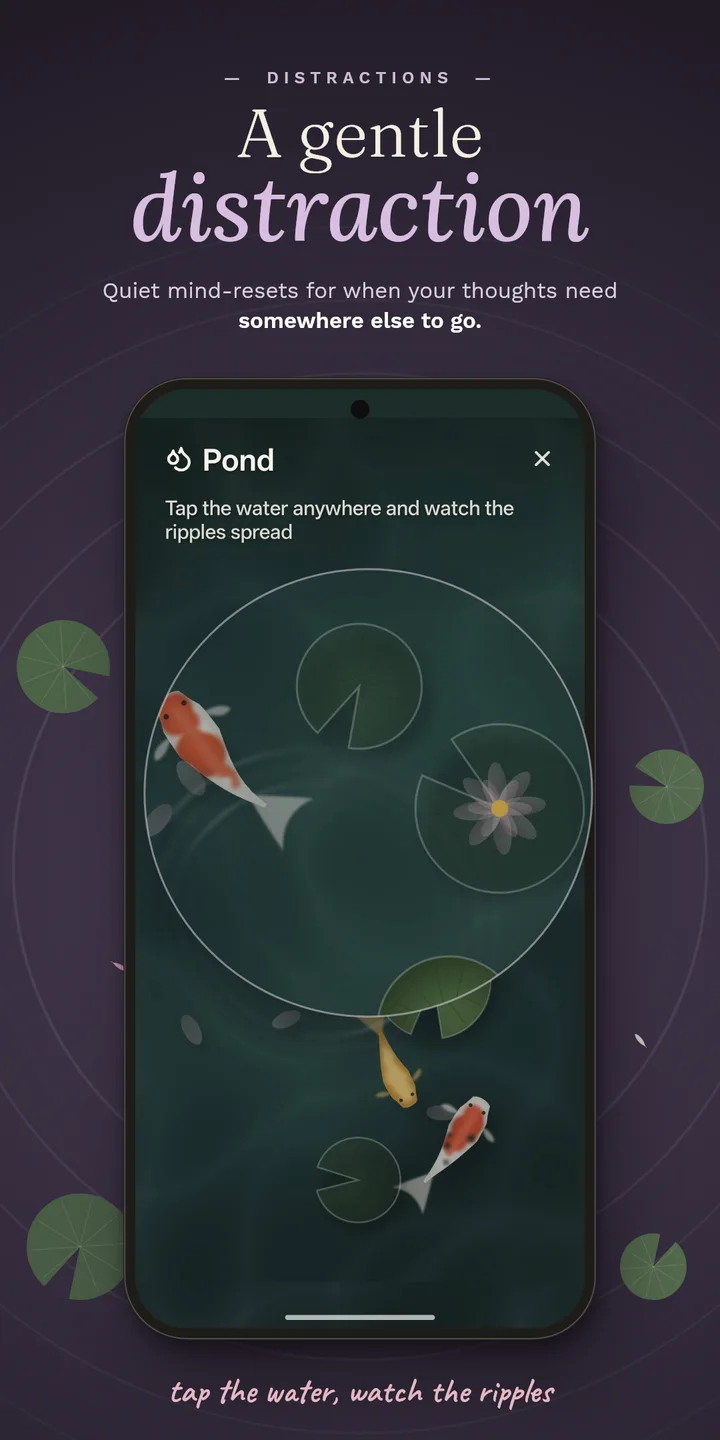
The same techniques, browsable when you're calm, plus a full grounding library (5-4-3-2-1, category naming, sound mapping, and more) to find what actually works for you ahead of time.
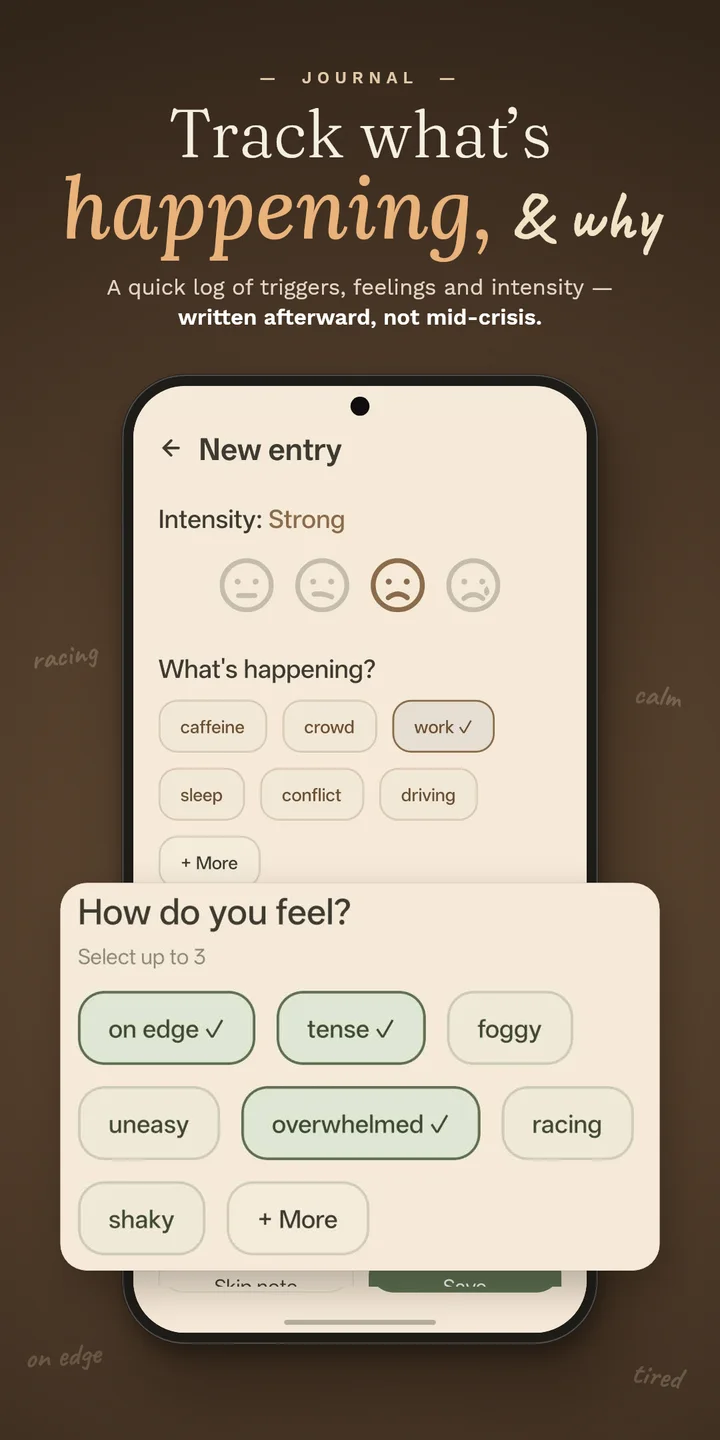
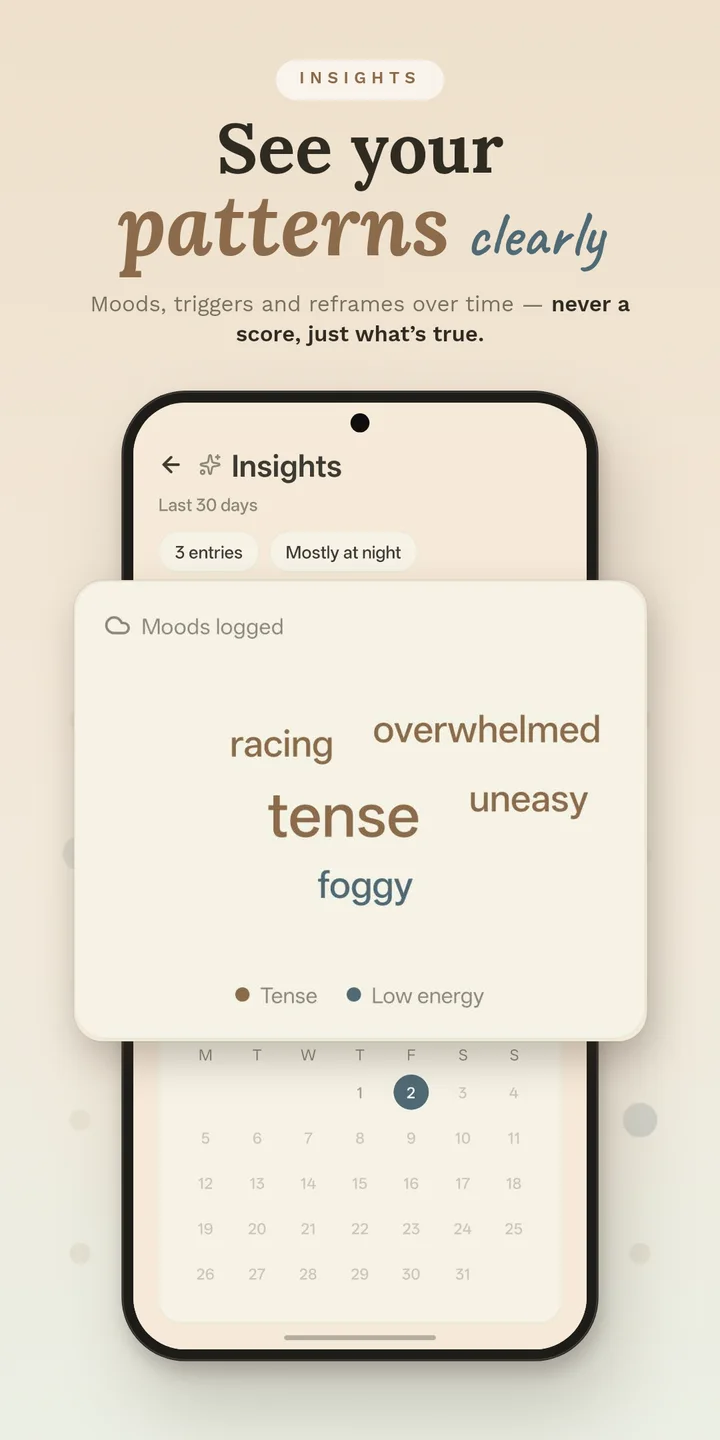
Log what happened in a few taps, reframe the catastrophic thought behind it, and check back in later. Insights surface real patterns, like triggers and time of day, never a score to feel bad about.
Short, skimmable reads on why panic attacks feel the way they do: the fear-of-fear cycle, what's actually happening in your body. Two minutes, not twenty.
See it in action
How it works
The big button is always the first thing you see. No login, no loading screen.
Breathing, grounding, or body, picked once, then guided start to finish. Nothing to decide mid-session, no timer you can't skip past.
Tap "This has passed" whenever you're ready, and you're back to the same calm screen you started from. Logging what happened is there if you want it, in Journal, whenever you want it. Never forced.
Pricing
The whole core tool is free, permanently, not a trial. Premium only ever unlocks personalization. It never makes the core tool work better for you than it does for free. It is never shown mid-crisis. Not once, not ever.
Privacy
Panicea works fully offline. Journal entries, your emergency contact, and your settings are stored only in a local database on your device, never on a server, never seen by us. The only outside service involved is RevenueCat, and only if you buy Premium, to confirm the purchase. It never sees anything you've written.
Read the full privacy policy →Guides